
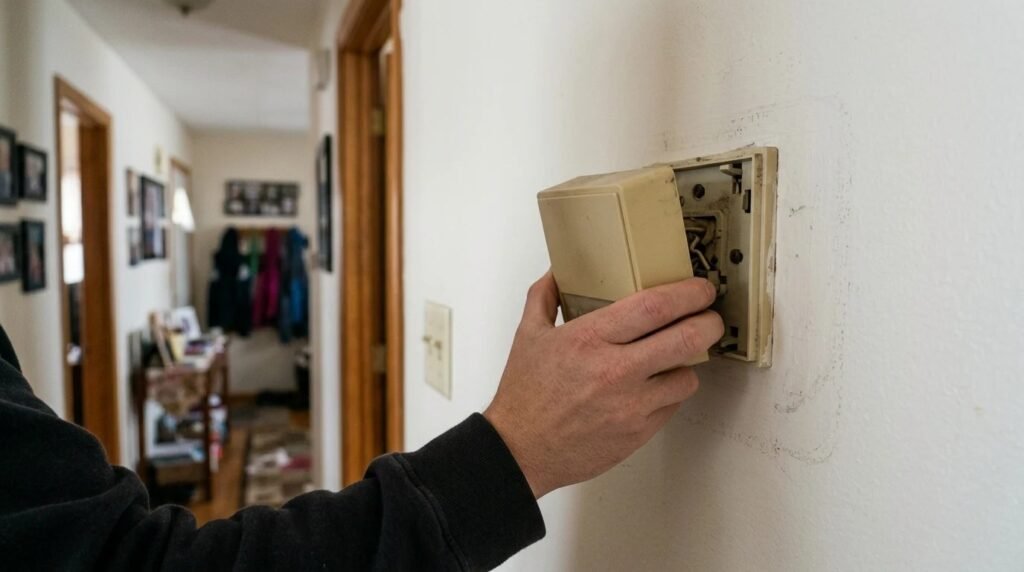
Here’s how to install a thermostat: turn off power to the heating and cooling system at the breaker, remove the old thermostat, photograph and label each wire, mount the new base plate, connect the wires to the matching terminals, attach the new thermostat and restore power to test it. Most low-voltage swaps take 30 to 60 minutes.
Contents
If your thermostat has thin wires and a small plastic base, it’s usually low voltage and a reasonable DIY job. If it has thick wires or says 120V or 240V, it’s line voltage, and that’s a job for an electrician.
Short answer
Kill the power, take a photo of the old wiring before you touch anything, and match each wire letter to the same letter on the new thermostat. Check compatibility first, especially for smart thermostats that need a C-wire.
Before you start: check compatibility
Most smart and programmable thermostats work with common 24V systems: gas or oil furnaces, central air and many heat pumps. They don’t work with high-voltage baseboard heaters. Look at the old wires; if you see letters like R, W, Y, G and C on the terminals, you’re likely in the low-voltage world. Smart thermostats usually need a C-wire for steady power, so check whether yours has one.
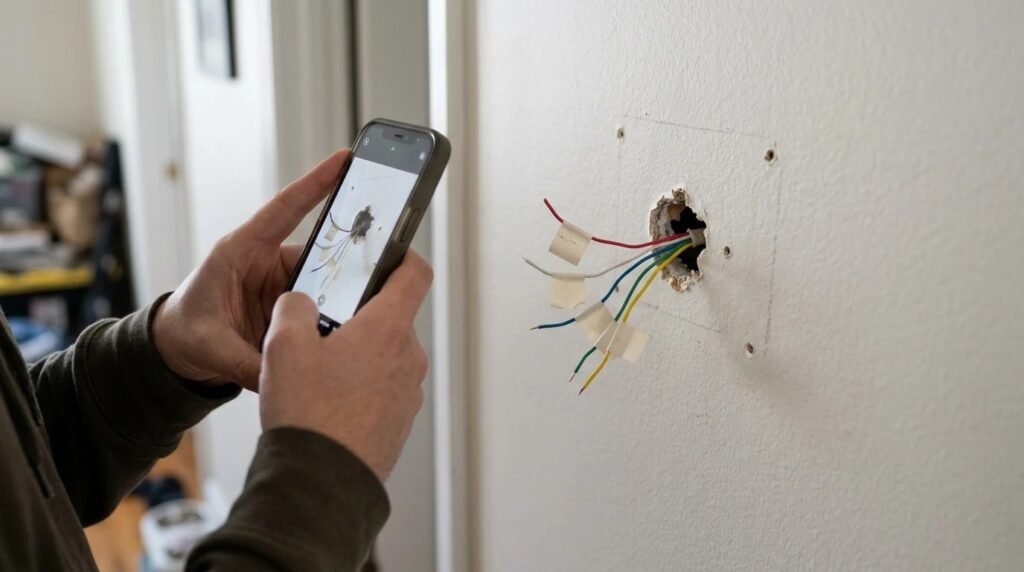
How to install a thermostat in 8 steps
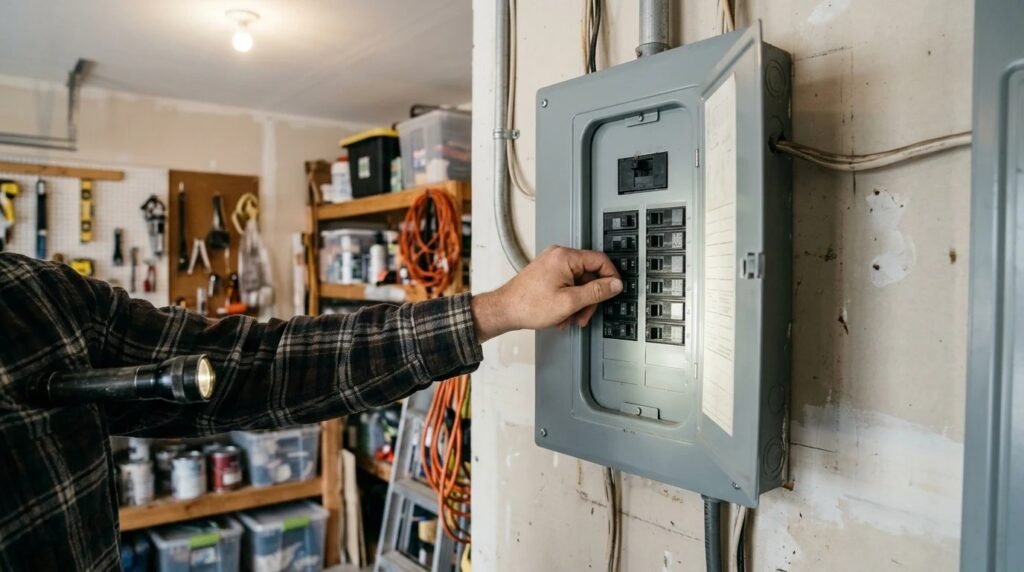
- Turn off the power at the breaker for the furnace or air handler, and the thermostat if it’s separate.
- Remove the old cover and check that the display is dead.
- Take a clear photo of the wires and the letters they connect to.
- Label each wire with the included stickers or tape, using the terminal letter, not the wire color.
- Unscrew the old base and gently pull the wires through. Wrap them around a pencil so they don’t fall into the wall.
- Mount the new base plate with a level, then feed the wires through.
- Connect each wire to the matching terminal letter and tug lightly to check it’s secure.
- Attach the thermostat, restore power and run a quick heat and cool test.
The Home Depot thermostat install guide follows the same order: power off, photo, label, connect.
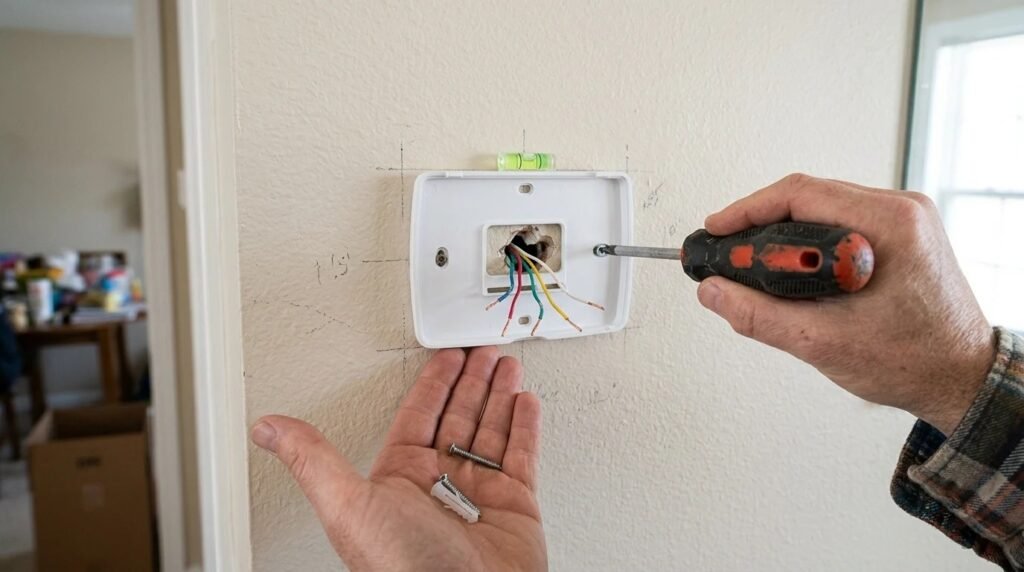
Common terminal letters
| Letter | Usually controls | Common wire color |
|---|---|---|
| — | — | — |
| R, Rh, Rc | 24V power | Red |
| W | Heat | White |
| Y | Cooling | Yellow |
| G | Fan | Green |
| C | Common (constant power) | Blue or black |
| O/B | Heat pump changeover | Orange or dark blue |
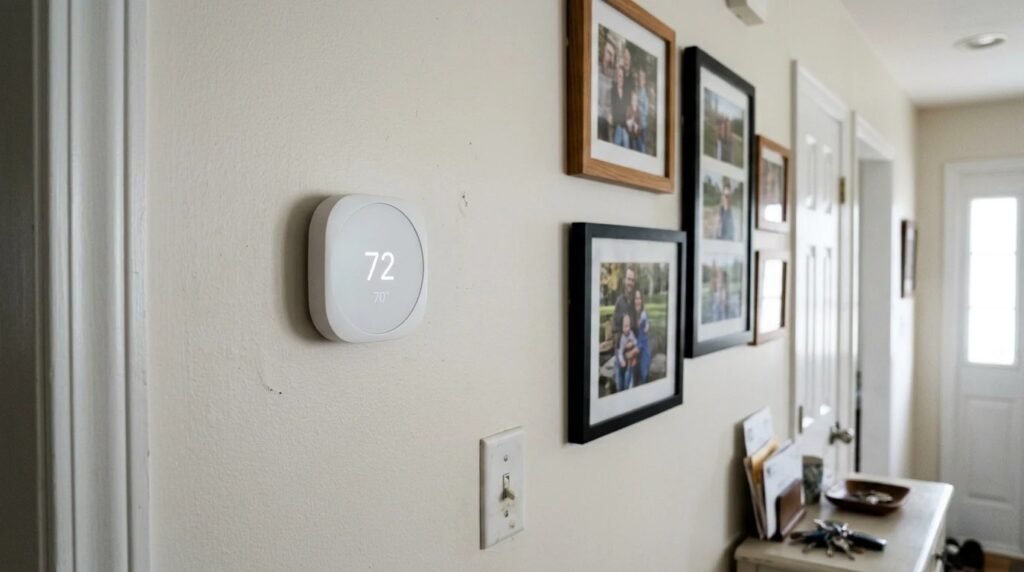
Tips for a smooth install
- Patch and paint first if the new thermostat is smaller than the old one.
- Keep the old thermostat until the new one has run for a few days.
- Check your system type in the setup app. Picking heat pump vs furnace wrongly causes odd behavior.
- Use the manual’s wiring diagram. It’s the final word for your model.
Tools you’ll need
You don’t need much for a standard swap: a small screwdriver set, a drill with a small bit if the new plate needs new holes, wall anchors, a level, your phone for photos, and the labels that come in the box. A flashlight helps if the hallway is dim. If the new thermostat needs a C-wire and you don’t have one, set aside the adapter kit that some brands include before you start, so you’re not stuck halfway with the system turned off.
How to install a thermostat safely: when to stop
Stop and call a pro if you find thick wires, more than one wire on a terminal you don’t understand, or a system the new thermostat doesn’t list as compatible. A wrong connection can blow a low-voltage fuse on the furnace board.
Quick FAQ
Do I need a C-wire? Many smart thermostats do; some include an adapter kit if you don’t have one. Can I install a thermostat with the power on? No; turn it off at the breaker first. How long does it take? Usually under an hour for a simple low-voltage swap.
Recap
- Power off first: at the breaker, every time.
- Photo and label: go by terminal letters, not colors.
- Test both modes: heat and cooling, then set your schedule.
Final thoughts
A new thermostat is one of the easiest upgrades for comfort and savings. Once it’s in, set a schedule using our guide to the best thermostat setting for winter.
Your turn: did you install your thermostat yourself, or call a pro? Share it in the comments.
This guide is based on research and manufacturer guidance, not our own testing.
Related guides: Smart thermostat vs programmable thermostat · Do smart thermostats save money?