


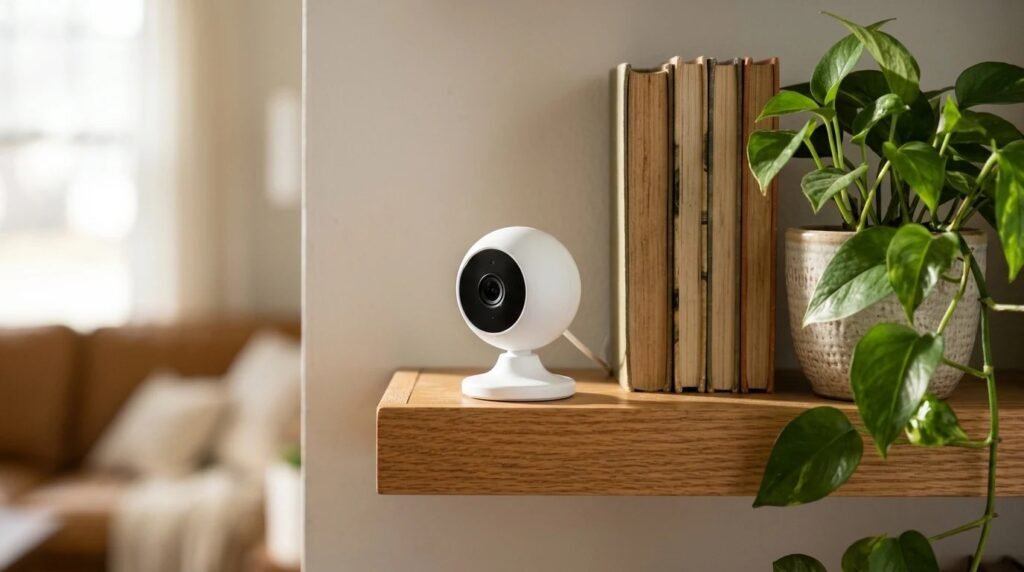
Home cameras help you keep an eye on deliveries, pets and your front door. But a camera that is not set up carefully can also let the wrong people look in. Learning how to secure security cameras takes about half an hour, and it protects both your home and your privacy.
Contents
You do not need to be a tech expert. Most of the steps below happen in the camera app and your router settings, and you only need to do them once.

How to secure security cameras: the short answer
Change any default username and password, use a unique strong password, turn on two-step login, keep the camera and app updated, and secure your home Wi-Fi. These are the same basics the FTC consumer advice gives for any internet-connected device in your home.
Why cameras need extra care
A camera records the inside and outside of your home, so it holds some of your most private data. If someone gets into your account, they may be able to watch live video, download clips or see when the house is empty. Most problems come from simple gaps, such as reused passwords or skipped updates, rather than clever hacking.

Common risks and how to fix them
Use this table as a quick checklist for each camera in your home.
| Risk | What can happen | Simple fix |
|---|---|---|
| Default or reused password | Someone guesses or reuses it | Set a unique, strong password |
| No two-step login | A stolen password is enough to get in | Turn on two-step verification |
| Old firmware | Known bugs stay open | Turn on automatic updates |
| Weak Wi-Fi security | Others can join your network | Use encryption and change router logins |
| Too many shared users | Old guests keep access | Review and remove shared users |

8 easy steps to secure your cameras
- Change the default login. If the camera came with a preset username or password, change it during setup.
- Use a unique, strong password. Do not reuse a password from email or shopping sites. A password manager makes this easy.
- Turn on two-step login. A code from your phone stops most account takeovers, even if a password leaks.
- Turn on automatic updates. Keep both the camera and its app up to date.
- Secure your router. Change the router’s admin password, turn on Wi-Fi encryption and keep its firmware updated.
- Check who has access. Remove old shared users, such as a former roommate or a past house sitter.
- Review the activity log. Many apps show logins and devices. Look for anything you do not recognize.
- Place cameras with care. Avoid bedrooms and bathrooms, and point outdoor cameras at your own property, not a neighbor’s windows.
Signs someone else may have access
- Settings change on their own. Motion zones, alerts or recording times are different from how you left them.
- Unknown logins appear. The app shows a phone, browser or location you do not recognize.
- Unexpected emails. You get password reset or new sign-in messages you did not ask for.
If you notice any of these, change your password straight away, sign out of all devices in the app, turn on two-step login and contact the camera maker’s support team.

Quick FAQ
Can security cameras really be hacked? Yes, but most break-ins use weak or reused passwords. Strong passwords and two-step login block the majority of these attempts.
Should I turn off indoor cameras when I am home? Many people do. Use privacy mode, a schedule or a lens cover if your camera has one.
Is local storage safer than the cloud? It can reduce some risks, but the device still needs a strong password and updates. Choose what suits your needs and keep it secure.
How to secure security cameras: a quick recap
- Passwords: change defaults and use a unique, strong one.
- Logins: turn on two-step verification.
- Updates: keep the camera, app and router current.
- Privacy: limit shared users and place cameras thoughtfully.
Final thoughts
Knowing how to secure security cameras turns a possible weak spot into a real safety tool. Spend a few minutes on passwords, updates and sharing, and check again every few months. If you are still choosing a device, our guide to video doorbells vs security cameras can help.
This guide is based on FTC consumer advice and general security practice, not our own testing. Settings and names differ between brands, so follow your camera’s app and manual.


1 Comment