

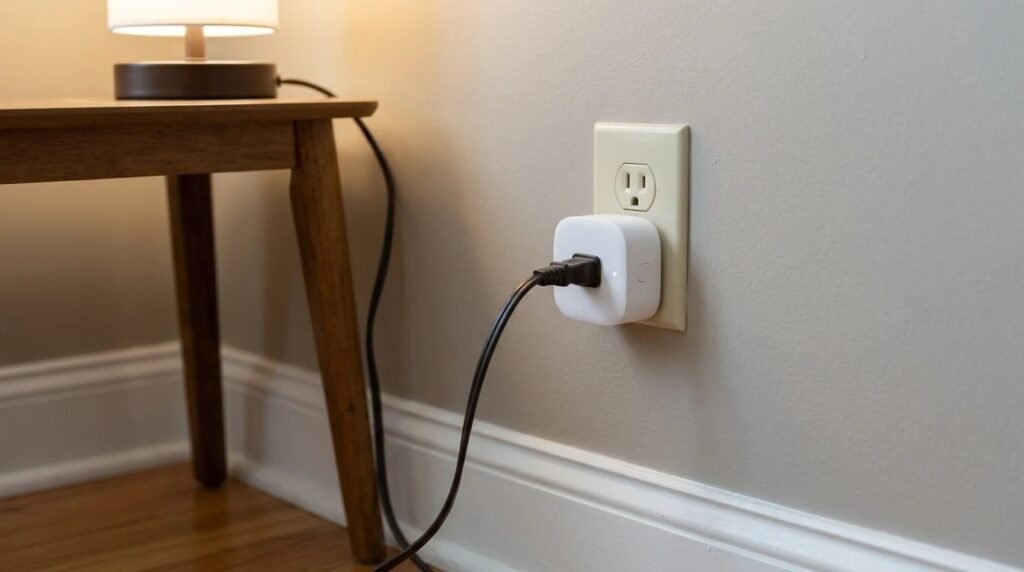
Smart plugs are the gateway gadget of the smart home. They’re cheap, they take thirty seconds to set up and suddenly your lamp turns on by itself at sunset. But not everything belongs in one. Knowing what not to plug into a smart plug keeps your gadgets working and, more importantly, keeps your home safe.
Contents
Here’s the honest list, plus the things that work brilliantly.
What not to plug into a smart plug: the short answer
Skip anything that pulls more power than the plug is rated for, appliances with big motors or compressors (fridges, air conditioners, washing machines), power strips and anything that’s unsafe to switch on when nobody’s around, like space heaters, irons or hair straighteners. TP-Link notes that motor-driven appliances can draw high inrush current at startup, says power strips aren’t recommended and suggests keeping long-term loads at 80 percent of the plug’s rating or less.
Why ratings matter
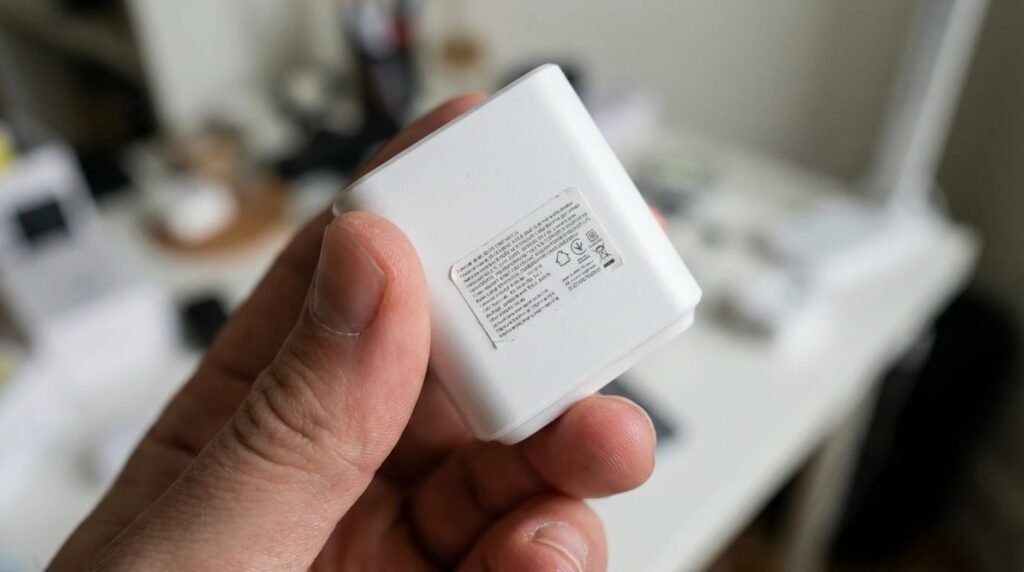
Every smart plug has a maximum current and wattage printed on it or in the manual. Many U.S. plugs are rated around 15 amps, but cheaper or mini models may be lower. Push past that and the plug can overheat. Motors are sneaky because they draw a burst of current when they start, much higher than their normal running power. That’s why a fridge that “only uses 150 watts” can still be a bad match.
7 safe, simple rules
- Read the label first. Know your plug’s amp and watt limits.
- No space heaters on remote or schedule. A heater should never switch on when nobody’s watching. See our space heater safety rules.
- Skip fridges and freezers. A plug that cuts out could spoil your food, and the startup surge is hard on small plugs.
- Skip big motor appliances. Air conditioners, washers, dryers, sump pumps.
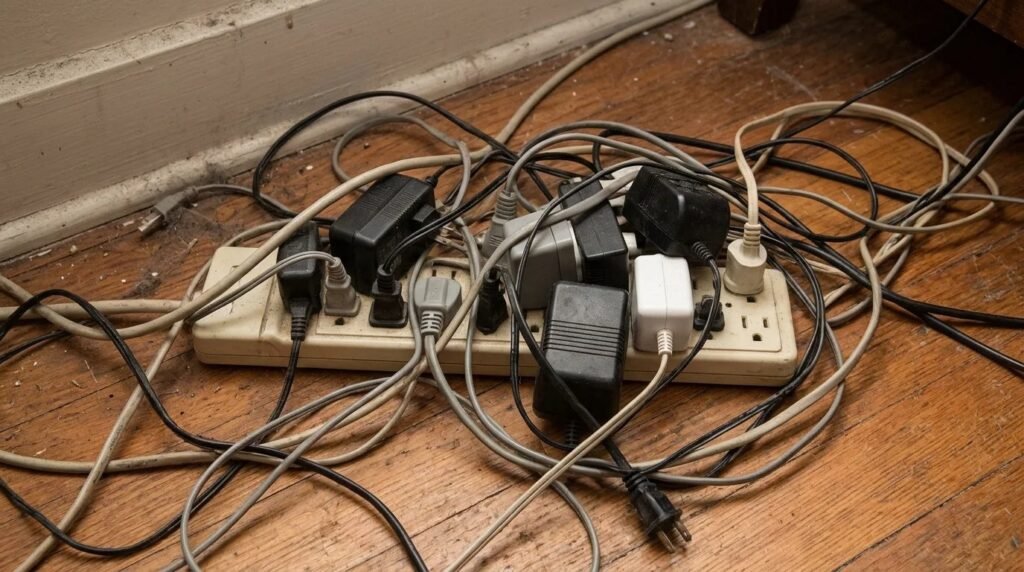
- No power strips behind a smart plug. It’s too easy to overload the plug.
- Avoid heat tools. Irons, curling irons and hair straighteners shouldn’t turn on when you aren’t there.
- Check medical and safety devices. Never put anything critical, like a CPAP or an aquarium heater, on a plug that could switch off by accident.
Great vs risky at a glance
| Device | Smart plug? | Why |
|---|---|---|
| Table and floor lamps | Great | Low power, perfect for schedules |
| Holiday lights | Great | Turn them off at bedtime automatically |
| Coffee maker (simple switch type) | Often fine | Only if safe to leave ready and within the plug rating |
| TV and entertainment center | Fine | Cuts standby power overnight |
| Space heater | Not on remote or schedule | Fire risk when unattended |
| Refrigerator or freezer | Avoid | Startup surge, food safety |
| Power strip | Avoid | Easy to overload |
Signs something is wrong
A smart plug that feels hot, smells like burning plastic, clicks on and off by itself or leaves marks on the outlet should be unplugged right away. Warmth from a low-power lamp is normal, but real heat isn’t. Also check that the outlet itself is in good shape; a loose outlet can cause heat at the connection no matter how good the plug is.

Where smart plugs shine
Lamps on a sunset schedule, holiday lights that turn off at bedtime, a fan that starts when you get home, a phone charger that cuts off overnight. These are the jobs smart plugs were made for. For more ideas, see what you can do with a smart plug, and check how much standby power they use.
Quick FAQ
Can I put a microwave on a smart plug? Many microwaves draw well over 1,000 watts. Check both ratings, and remember there’s little reason to automate one.
Are smart plugs a fire hazard? Certified plugs used within their rating are generally safe. Problems come from overloading or cheap, uncertified plugs.
What about outdoor lights? Use a plug rated for outdoor use, in a weatherproof outlet.
What not to plug into a smart plug: a quick recap
- Avoid: unattended heaters, fridges, big motors, power strips, heat tools.
- Check: the amp and watt rating every time.
- Keep it under 80 percent for long-running loads.
- Great for: lamps, holiday lights, TVs and chargers.
Final thoughts
Smart plugs are fantastic once you know what not to plug into a smart plug. Stick to lamps, lights and small electronics, and you’ll get years of easy automation without the worry.
Your turn: what’s plugged into your smart plugs right now? Anything on this list? Tell us in the comments; no judgment, just tips.
This guide uses TP-Link’s published load guidance and general electrical safety advice, not our own testing. Always follow your plug’s and appliance’s instructions.