

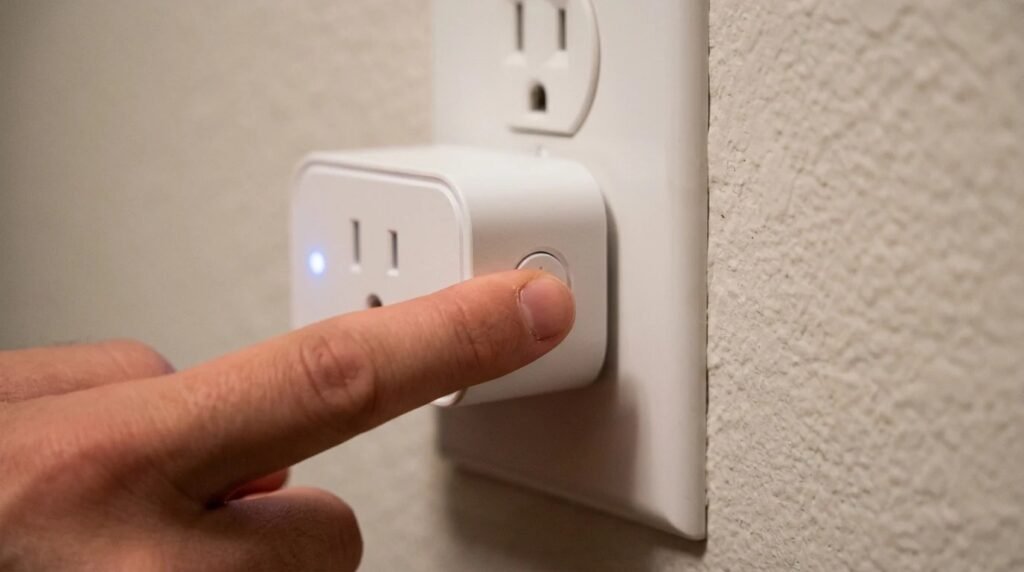
Here’s how to reset a smart plug on most brands: press and hold the plug’s button for about 5 to 10 seconds, until the status light starts blinking quickly or changes color, then release it and add the plug again in the app. That’s a factory reset. A quicker soft reset, just unplugging it for 10 seconds, fixes many connection hiccups without erasing anything.
Contents
Smart plugs are wonderful until one quietly drops off your Wi-Fi. Before you reset, it helps to know which kind of reset you need, because a factory reset wipes your schedules and names.
Soft reset vs factory reset
A soft reset is simply a restart. Unplug the smart plug, wait about 10 seconds and plug it back in. It keeps all your settings and often fixes a plug that shows “offline” after a power cut or router restart.
A factory reset erases everything: Wi-Fi details, schedules, names and links to voice assistants. Use it when you’ve changed your Wi-Fi name or password, moved the plug to a new home, or nothing else works.
| Reset type | How | What it erases | Use it when |
|---|---|---|---|
| — | — | — | — |
| Soft reset | Unplug for about 10 seconds | Nothing | Plug shows offline after a power cut |
| Factory reset | Hold the button 5 to 10+ seconds | Wi-Fi, schedules, names | New router, new password, nothing else works |
| Remove in app | Delete device in the app | The device entry | Before giving the plug away or re-adding it |
How to reset a smart plug in 5 easy steps
- Try a soft reset first. Unplug it, wait 10 seconds and plug it back in. Give it a minute to reconnect.
- Remove it from the app if it still won’t connect, so you don’t end up with a duplicate entry later.
- Press and hold the button for 5 to 10 seconds (some brands need longer). Release it when the light blinks rapidly or changes color.
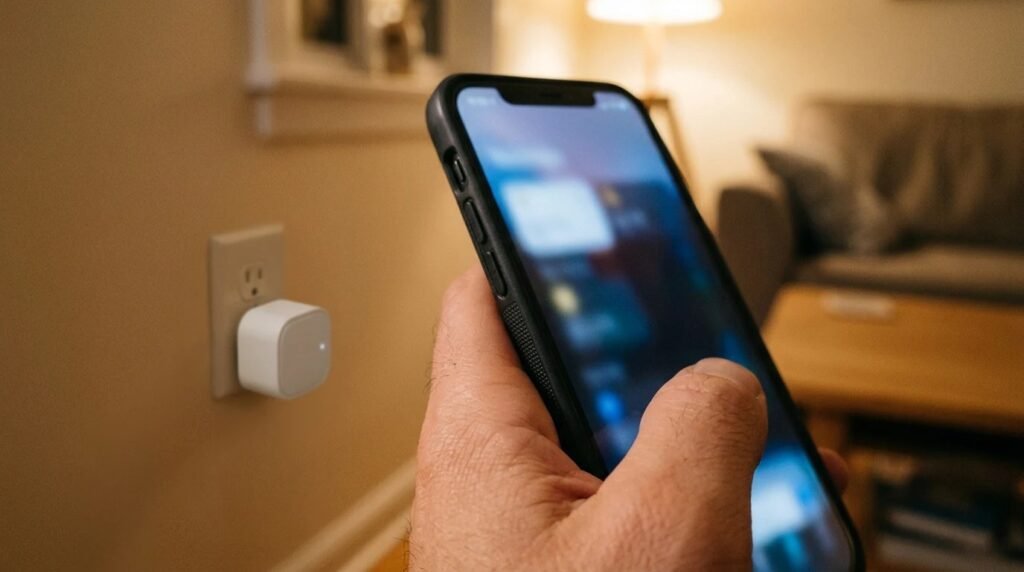
- Add the plug again in the brand’s app, choosing a 2.4 GHz Wi-Fi network if the plug requires it.
- Rebuild schedules and voice links. Rename the plug, set up schedules again and re-link it to Alexa, Google Home or Apple Home if needed.
Brand instructions differ a little. For example, TP-Link’s guide on resetting Tapo and Kasa smart plugs lists the exact button times for its models.
When a reset doesn’t fix it
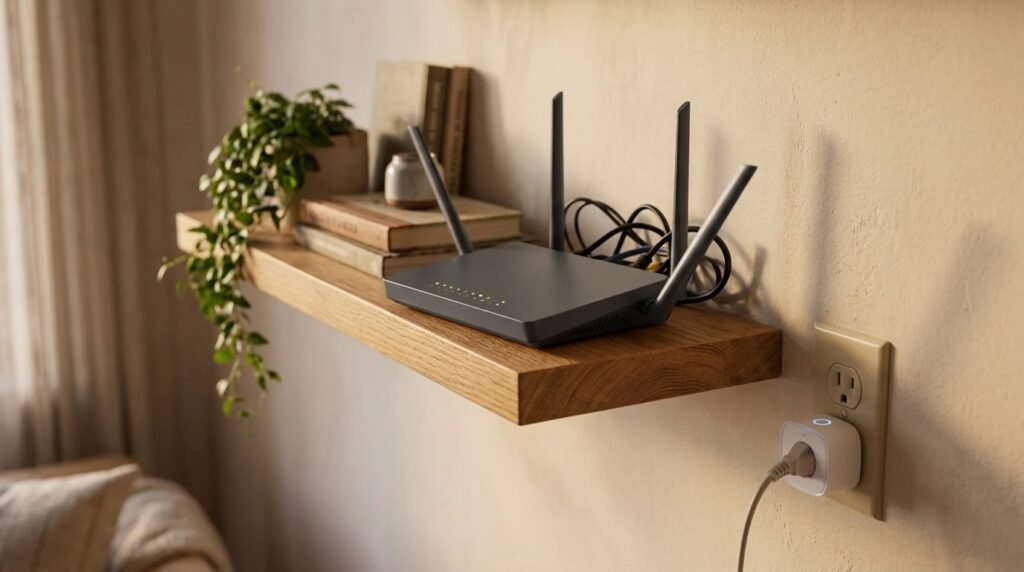
If the plug won’t pair after a factory reset, the problem is usually the network, not the plug. Check these:
- 2.4 GHz vs 5 GHz: many smart plugs only work on 2.4 GHz. If your router combines both bands under one name, try temporarily separating them during setup.
- Distance and walls: bring the plug closer to the router to pair, then move it back.
- Password typos: a single wrong character stops pairing.
- Too many devices: some routers struggle with lots of smart gadgets; a dedicated network can help, as covered in separate Wi-Fi network for smart devices.
Our troubleshooting guide on why smart devices keep going offline has more fixes for repeat dropouts.
Quick FAQ
Will resetting a smart plug delete my schedules? A factory reset will; a soft reset (unplugging) won’t. Why won’t my smart plug blink after holding the button? You may need to hold it longer, or the plug may be faulty, so check the brand’s support page for exact steps. Do I need to reset smart plugs after changing my router? Usually yes, if the Wi-Fi name or password changed, since the plug can’t find the old network.
How to reset a smart plug: a quick recap
- Start soft: unplug for 10 seconds before anything drastic.
- Factory reset: hold the button until the light blinks fast, then re-add it.
- Still stuck: check 2.4 GHz, distance and your password.
Final thoughts
Knowing how to reset a smart plug turns a frustrating “device offline” message into a two-minute fix. Try the soft reset first, save the factory reset for real network changes. For safe ways to use your plugs once they’re back online, read what not to plug into a smart plug.
Your turn: which smart plug brand do you use, and how often does it drop off Wi-Fi? Tell us in the comments.
This guide is based on research and manufacturer support information, not our own testing.
Related guides: Can you use a smart plug outside? · Do smart plugs save money? · Christmas lights on a timer